


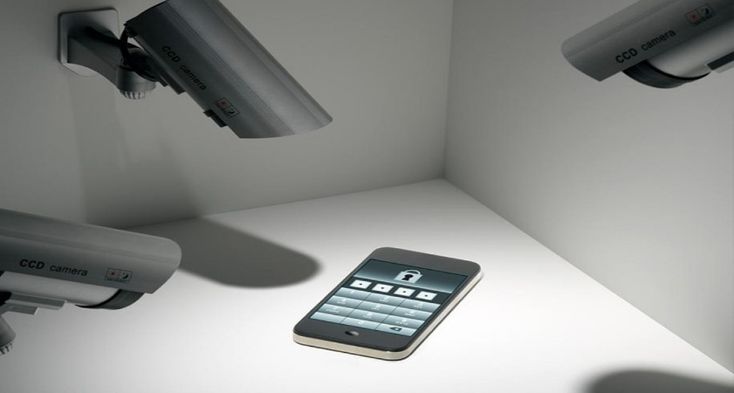
Android smartphones store vast amounts of personal information, making them attractive targets for spyware and unauthorized monitoring. Some malicious apps are designed to hide in the background, making detection difficult for the average user. Understanding how to recognize the warning signs and properly inspect your spy apps for android device is essential for protecting your privacy and security.
What Is Hidden Spyware?
Hidden spyware is software that secretly monitors activity on a device without the user’s knowledge or consent. It may attempt to track messages, calls, location, browsing behavior, or even access the microphone and camera. Unlike legitimate parental control or enterprise management apps, spyware operates covertly and often disguises itself to avoid detection.
Common Warning Signs of Spyware
While hidden spyware aims to remain unnoticed, it often leaves subtle clues.
Unusual Battery Drain
Spyware frequently runs continuously in the background, consuming power. If your battery drains much faster than normal without a clear reason, it may indicate unauthorized background activity.
Unexpected Data Usage
Monitoring software often transmits collected data to external servers. Sudden spikes in mobile data usage, especially when you are not actively using the phone, can be a red flag.
Device Performance Issues
Slow response times, overheating, random freezes, or frequent crashes may suggest that unknown apps are consuming system resources.
Strange Phone Behavior
Unexpected screen activity, apps opening on their own, or unexplained noises during calls can sometimes be linked to hidden monitoring software.
Where Spyware Often Hides
Hidden spyware may not appear on the home screen, but it usually leaves traces elsewhere.
Installed Apps List
Check Settings → Apps → All Apps and look for unfamiliar names, generic system-like labels, or apps without icons.
Device Administrator Permissions
Spyware may request administrator access to prevent removal. Review Settings → Security → Device Admin Apps and disable anything you do not recognize.
Accessibility Services
Some spyware abuses accessibility permissions. Navigate to Settings → Accessibility and ensure only trusted apps are enabled.
App Permissions
Inspect permissions for access to the microphone, camera, SMS, or location. Apps with excessive or unexplained permissions deserve closer scrutiny.
Tools That Help Detect Spyware
Reputable mobile security apps can scan for spyware, stalkerware, and malicious software. These tools identify known spyware signatures and flag suspicious behavior patterns. Always download security software from trusted sources and keep it updated.
What to Do If You Find Spyware
If you suspect or confirm spyware on your device:
-
Disconnect from the internet to stop data transmission.
-
Remove suspicious apps and revoke their permissions.
-
Run a full security scan.
-
Update your Android operating system.
-
Perform a factory reset if the issue persists, restoring only essential data afterward.
If your device may have been compromised through unauthorized physical access, consider changing passwords and enabling stronger authentication methods.
